How Can We Help?
WP–D: How do I add or remove teachers from our subscription?
Add a teacher
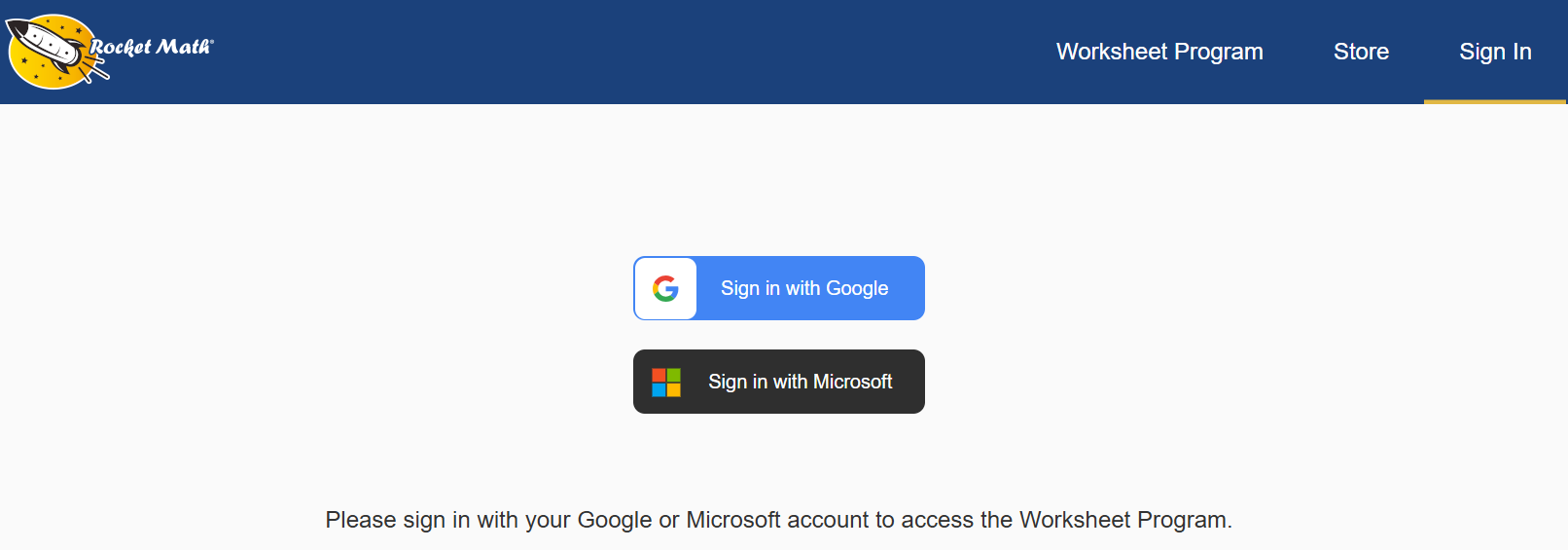
When you’re ready to start, login to your account.
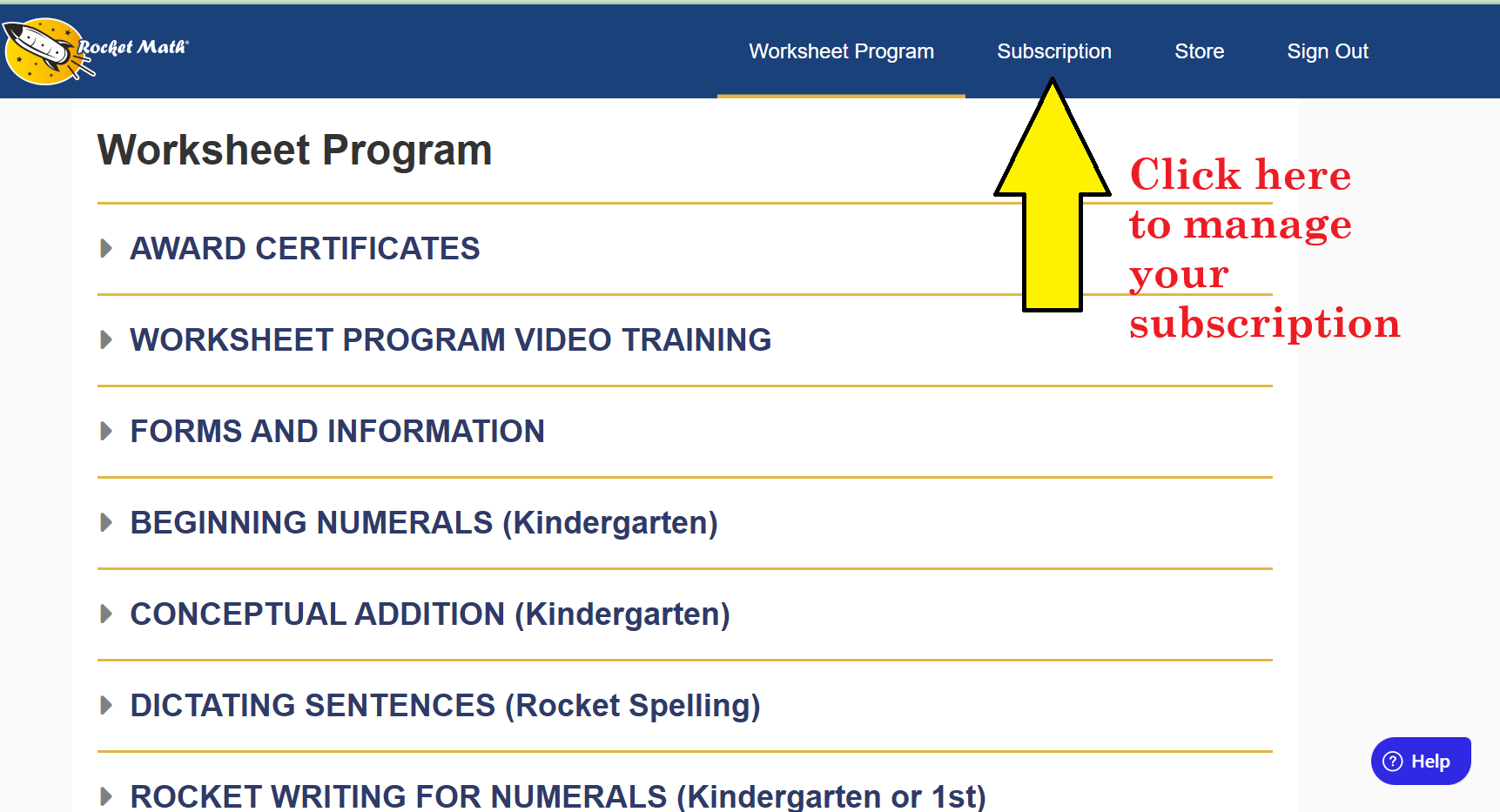
Click on Subscription at the top of the page to manage your subscription.
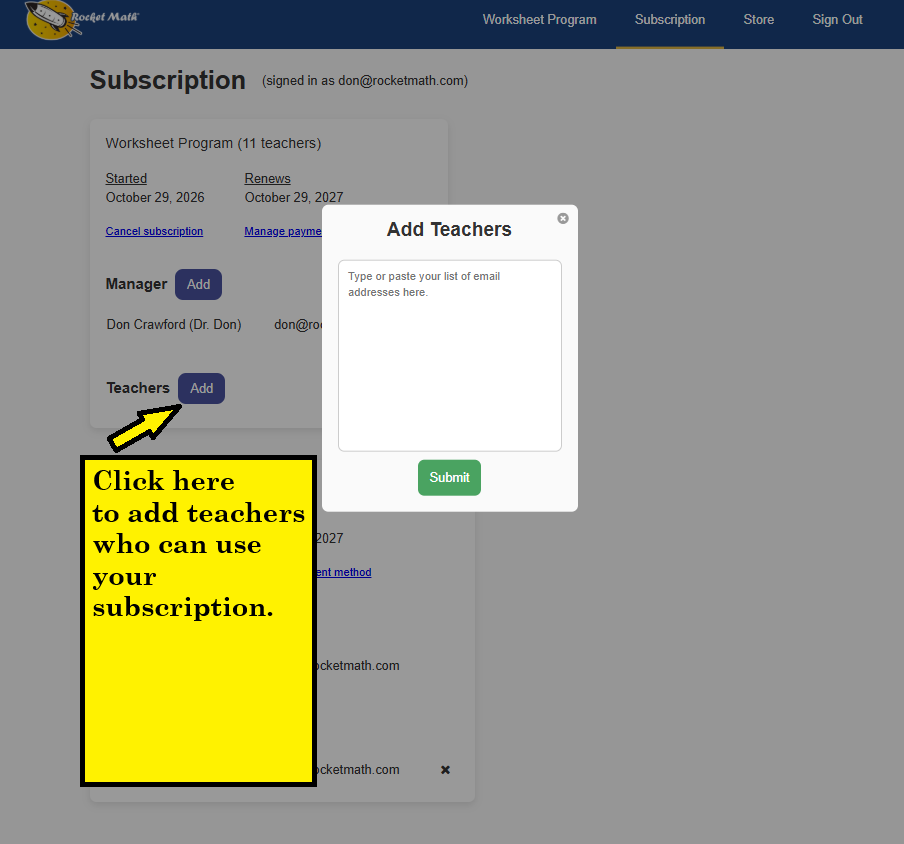
Click on the blue Add button next to Teachers.
Type or paste your list of their email addresses in the box.
Hit green Submit button. Teachers can immediately login to the Worksheet Program with their email addresses (just as you did) and access the worksheets. No email to get and no password to create!
Remove a teacher
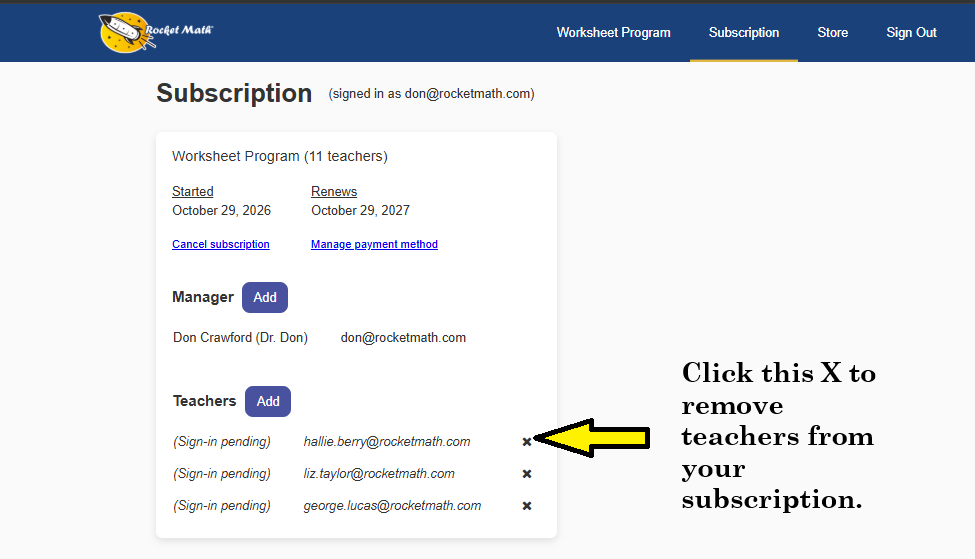
A Manager can remove teachers. Click on the X by their name.
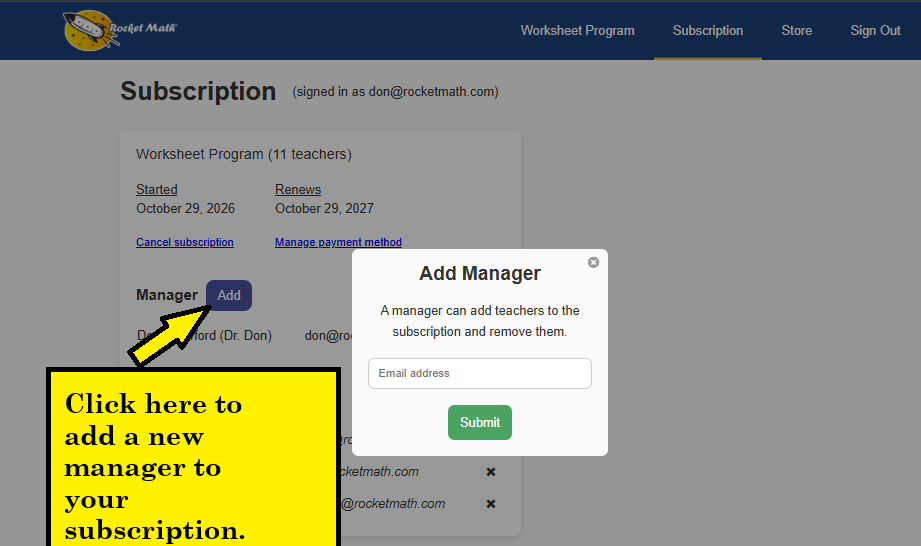
Add another Manager
You click on the Add button next to Manager and add their email address. A manager can add teachers to the subscription and remove them. Only teachers can access the worksheets.